
Position Size Calculator
Position size is how big your trade should be so that, if your stop-loss is hit, you lose only the amount you planned. This free position size calculator works for forex (lots and pips) and for stocks or crypto (units and prices).
Money at risk
100
1% of balance
Position size (units)
20
Position value
2,000
20% of balance
Free, no login. Nothing you type is saved. Results are for planning only, not financial advice.
What is position sizing?
Every trade should start with the question: how much am I willing to lose if I am wrong? Position sizing turns that amount into a trade size.
If your stop-loss is far from your entry, the position must be smaller. If it is close, the position can be bigger. Either way, the money you lose at the stop stays the same. This keeps your risk under control on every trade, whatever the market.
How to use the calculator
- Choose the market type: stocks/crypto (prices) or forex (pips).
- Enter your account balance.
- Enter your risk per trade in % (1% is a common rule).
- For stocks or crypto: enter your entry price and stop-loss price.
- For forex: enter your stop-loss in pips and the pip value of one standard lot (about 10 for most USD-quoted pairs).
- Read the money at risk and the position size in units or lots.
Worked examples
Stocks or crypto: balance 10,000, risk 1% = 100. You buy at 100 with a stop at 95, so you risk 5 per unit. Position size = 100 ÷ 5 = 20 units, worth 2,000 (20% of your balance). If the stop is hit, you lose exactly 100.
Forex: balance 10,000, risk 1% = 100, stop-loss 20 pips, pip value 10 per standard lot. Lot size = 100 ÷ (20 × 10) = 0.5 lots. With a smaller account of 2,000 and a 25-pip stop, 1% is 20, so the size is 0.08 lots.
| Balance | Risk | Stop | Position size |
|---|---|---|---|
| 10,000 | 1% = 100 | 100 → 95 (5 per unit) | 20 units |
| 10,000 | 1% = 100 | 20 pips × 10 | 0.5 lots |
| 2,000 | 1% = 20 | 25 pips × 10 | 0.08 lots |
Position size in binary options
Binary options have no stop-loss: the trade amount is the risk. So your position size is simply your risk % of the balance. With 1,000 and 2%, trade 20. The binary risk calculator and the money management plan show this with your payout.
Common mistakes
- Choosing the lot size first and the stop-loss later.
- Moving the stop-loss further away during the trade, which raises the risk.
- Using the same lot size for every trade even when the stop distance changes.
- Forgetting that the pip value depends on the pair and your account currency.
- Using high leverage because the calculator shows a position bigger than the balance. Leverage raises the risk of a gap past your stop.
Stop-loss first, size second
The right order is: decide where your idea is wrong, place the stop-loss there, and only then calculate the size. Many beginners do the opposite. They pick a size they like and then squeeze the stop-loss close so the loss "looks small". A stop that is too close gets hit by normal price noise, so they lose more often.
With position sizing you never have to squeeze the stop. If the market needs a wider stop, the calculator simply gives you a smaller position, and the money at risk stays the same. If the resulting position is too small to be worth it, skip the trade. Skipping a trade is also a risk decision.
The 1% rule in practice
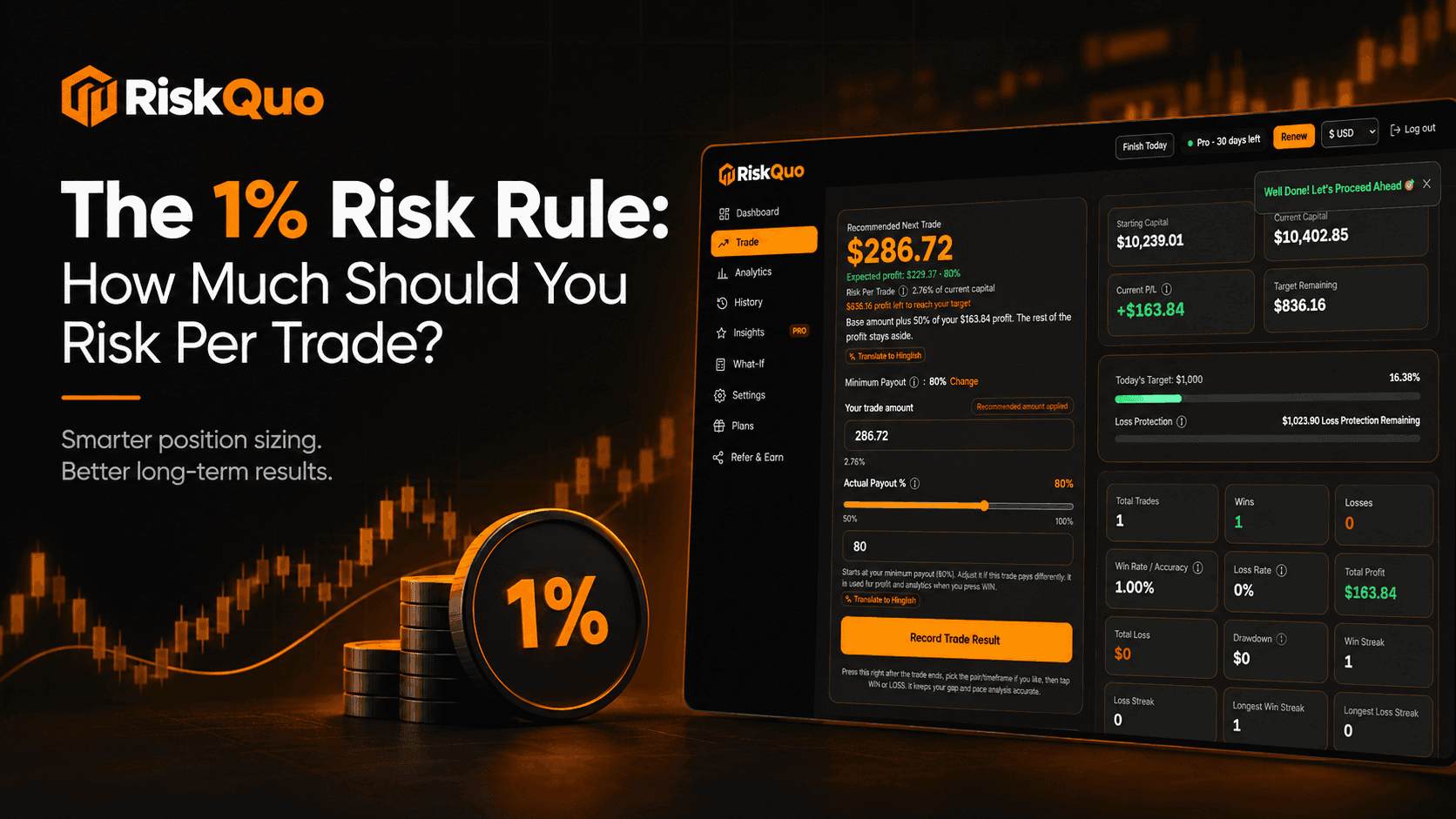
Risking 1% per trade means ten losing trades in a row cost about 10% of the account, which can be recovered. Risking 5% means the same streak costs about 40%, which needs a 67% gain just to get back. Keep the risk small and let consistency do the work.
Frequently asked questions
How do I calculate position size?
Position size = money you are willing to risk ÷ risk per unit. For forex: lots = risk ÷ (stop-loss pips × pip value per lot).
What is the pip value of one standard lot?
For most pairs quoted in USD it is about 10 USD per pip. It changes with the pair and your account currency, so check your broker.
What risk % should I use?
Many traders use 1% per trade, some up to 2%. Beginners should start small.
Why is my position value bigger than my balance?
With a tight stop-loss the position can be large. Holding it needs leverage, which adds risk, so consider a wider stop and a smaller size.
Does this work for crypto?
Yes. Use the price mode with your entry and stop-loss prices. The result is in coins or units.
Should I risk the same percentage on every trade?
Yes, that is the point of position sizing. The percentage stays the same, while the position size changes with the distance to your stop-loss. This keeps every loss about the same size.
Is the position size calculator free?
Yes, free and without login. Nothing is saved.
Learn more on the blog
Related calculators
- Money Management PlanBuild a trading money management plan in seconds: trade size, daily loss limit, daily target and the win rate you need to break even. Free.
- Binary Risk CalculatorFree binary options risk calculator. See how much of your balance one trade risks and what you win or lose before you trade. No login needed.
- Compounding CalculatorFree trading compounding calculator: see how a daily or weekly % gain grows your balance, and the rate you need to reach a target. No login.
- Martingale CalculatorFree martingale calculator: see every stake, the total at risk and how many losses in a row your balance survives. Learn why martingale is so risky.
Want these rules enforced for you?
The RiskQuo app suggests a trade amount, tracks every trade and locks trading when your daily loss limit is reached.
Try the RiskQuo app free